Yes, we have a beautiful Mac app
Your team finds, installs, updates, and requests approved software from one app. Workbrew handles the admin rights. No terminal needed.
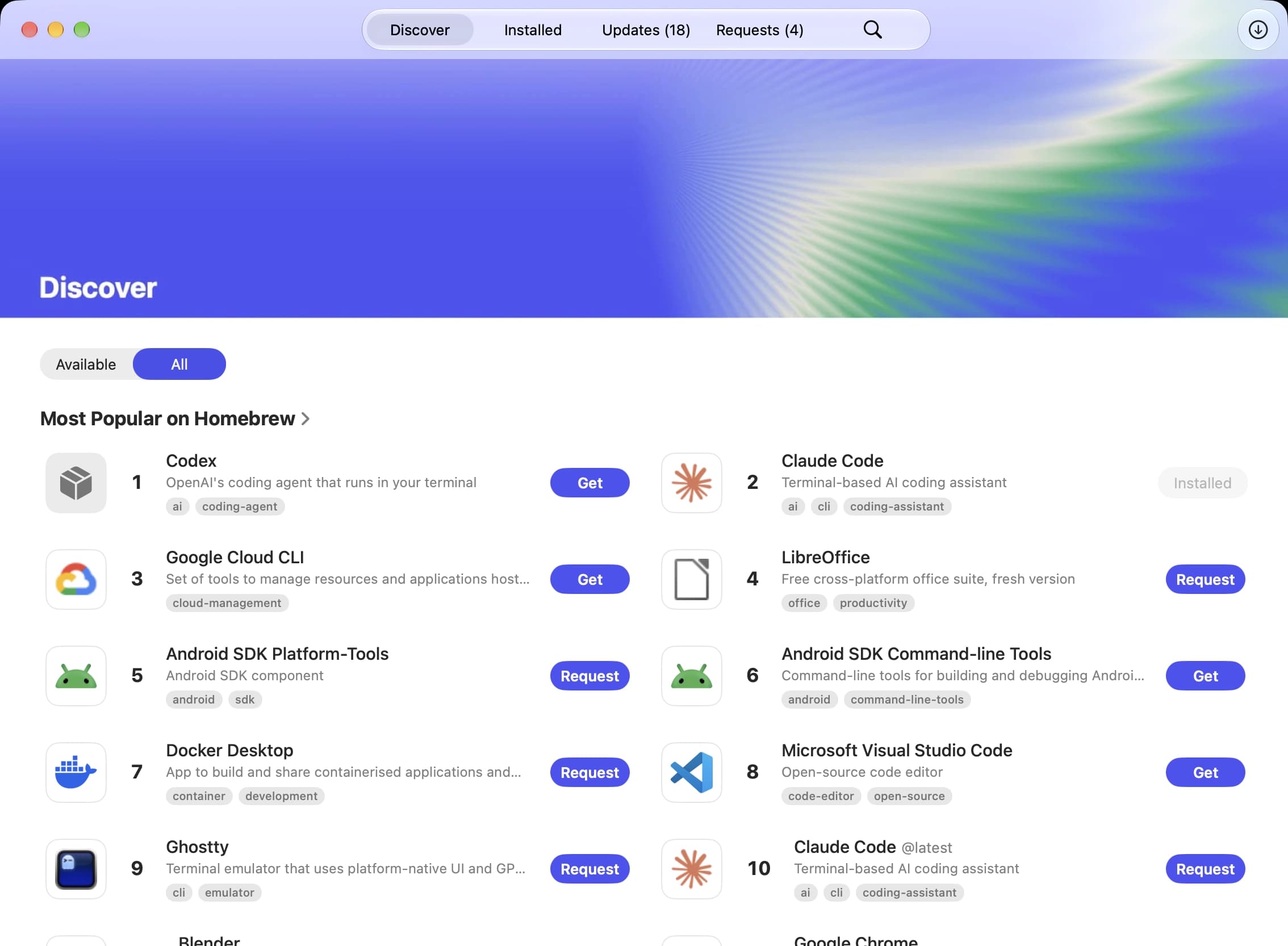
One installer sets up the Workbrew Agent and app
Version 2.0.6 · Requires macOS 26 or later
No workspace yet? Start free and enroll this Mac from the Console.
Three steps to enrollment
Run the installer
Open the pkg and follow the prompts. It installs the Workbrew Agent and the app together.
Open the Workbrew app
It’s in Applications. On first launch it asks you to enroll this Mac.
Connect to your workspace
Sign in, choose the workspace, and you’re enrolled. Your Mac then shows up in the Workbrew Console.
The managed software catalog for your team
Find
Browse the titles your company has approved, by category or by search.
Install
Install in one click. Workbrew handles the admin rights.
Update
See what’s out of date and update everything in one go.
Request
Ask for a title that isn’t approved yet. Your admin decides in the Console.
One catalog, every Mac, approved by you
Curate the software your company runs, then let your team help themselves. Installs, updates, and requests all go through Workbrew, so you see all of it. Free to start, no device limit.