
MacAdmins PSU 2026 Must-Watch Sessions
Adam Selby
MacAdmins 2026 at Penn State drew over 450 attendees, nearly evenly split between enterprise and education admins, cementing its place as one of the community's most important annual gatherings. The conference packs in a wide range of topics and expert speakers, which is exactly why so many of us keep coming back year after year. But what really sets it apart is the mix of familiar faces and first-timers. It ends up feeling less like a conference and more like a reunion.
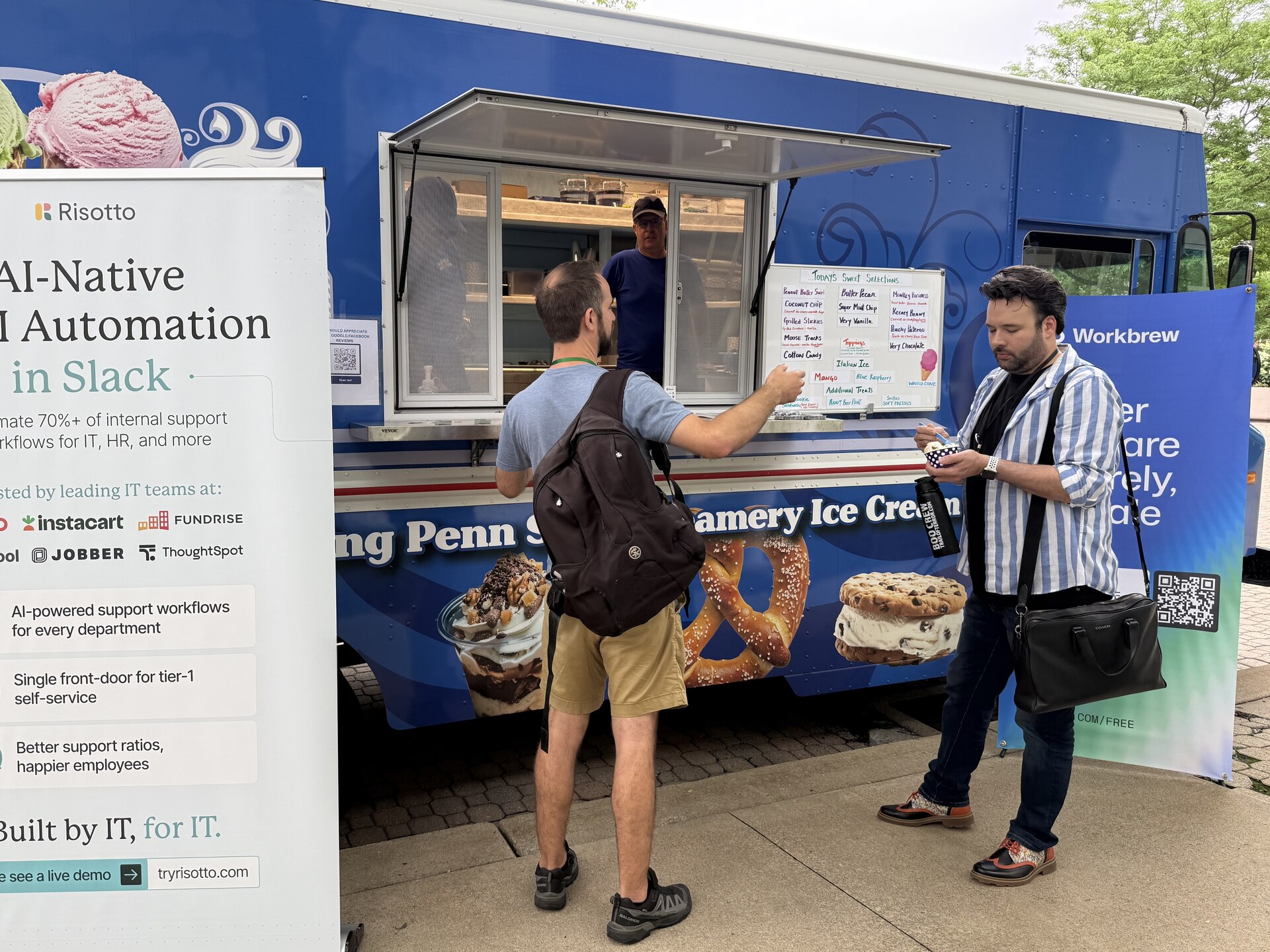
Workbrew was proud to sponsor for the third year in a row. We kicked off Workshop Day with a Happy Hour at Legends, and teamed up with our friends at Risotto again to bring Penn State's famous Berkey Creamery ice cream to the courtyard for the afternoon.
Brandon presented Modern Software Delivery on macOS with Workbrew, where we announced the Workbrew app. This year I got to be on the other side of the table as a sponsor and presented for the second time, helping to lead a Fundamentals Workshop for new MacAdmins, and my own session on Rosetta's retirement.
MacAdmins is a conference we keep coming back to for a reason, and this year's lineup of must-watch sessions proves exactly why.
Must-Watch Sessions
Everyday Git for Overworked MacAdmins
Everyone gets into being a MacAdmin through their own path, but many of us started off from a non-engineering background. Despite this, Git is an important tool for a lot of the work we're doing in 2026 and Beth sought to give everyone a proper introduction regardless of their existing knowledge. This is the kind of session I wish I'd been able to watch when I was getting started with Git.
Managing the Unmanageable: Rolling out Managed Apple Accounts
Katie Due, Affirm
Katie's session on Managed Apple Accounts was mentioned by way too many people to count during the week. Before her session people mentioned it among their most anticipated session of the week. In her session, Katie clearly walks through the problems with Apple Accounts in the enterprise and how to plan a rollout and find gaps along the way. The session also came with a great list of lessons learned, that I heard were particularly helpful to many.
macOS 27: What You Need To Know
Robert Hammen, SAP
The latest in his "What You Need To Know" annual series, Robert walked through everything from WWDC and the macOS 27 announcements that you need to know. Whether you wanted to know what deprecations you need to worry about, what new features and configurations you should set aside time to test, or what else is coming in macOS 27 this session has it all.
The Journey of Apple Issue Escalation
Timothy Perfitt, Twocanoes Software, Inc.
An early slide in Tim's session included the phrase "There are rules. Most are not written down.", and this could apply to a lot of things about interacting with Apple but perhaps none more clearly than Feedback Assistant. Although there's a lot in here that I had picked up, there was still plenty that was new even after a decade of having a good understanding. This session is particularly useful if you're new to this world, or have been frustrated by feedback becoming a blackhole in the past.
S.U.P.E.R.M.A.N. is Back Again
Kevin White, Macjutsu Inc.
A lot has changed in Software Updates on the Mac the past few years, and yet many MacAdmins still depend on extra apps or scripts to "motivate" users to install updates in a timely manner. S.U.P.E.R. has become a favorite for its extensive handling of different scenarios and requirements, and Kevin gave a great overview for anyone who's heard of it but hasn't tried it out yet, plus a look at what's in the future.
Discover Troubleshooting Tools in Your Mac, Gilligan’s Island Edition
Ben Greisler, (Kadimac Corp.) & John Soward, (Dataseam & University of Kentucky)
Part of the reason so many of us love the Mac are the tools and features that are built-in, but many of us forget that doesn't stop in user-facing apps. Ben and John walked through an extensive list of tools built in that you can use in Terminal or in your scripts, all without adding additional software to keep updated later.
Don't let the sessions stop here, check out all the full list of recorded sessions on YouTube.
While MacAdmins Summer Camp might be over, we all stay connected year-round in the MacAdmins Slack. If you've ever thought about attending (or speaking!) in past years, we hope to see you next year. Until then, you can find us at other upcoming events around the world.