
Our favorite Homebrew Packages
Joe Nash
It’s the start of a new year, why not treat yourself to some new tools? We asked the Workbrew crew what their favourite Homebrew packages are, whether a vital component in their daily workflows, a tool for special problems, or just something novel and fun. Here’s 8 packages to refresh your terminal in 2026.
If these get you curious, the Workbrew catalog has over 16,000 Homebrew formulae and casks to browse, searchable by name or category.
Get detailed display info from the command line
We’ve often wondered how our CEO, John, keeps on top of it all…the answer is apparently a complicated display setup. Why else would John’s favourite package be displayplacer, a utility for fetching and configuring multiple display configurations from your CLI. More than just a way to set up a second (or third, or forth) monitor, John values that it gives him a programmatic ability to save and configure complex monitor configurations. John uses Hammerspoon to run a script at boot that checks which office he’s working from, and uses displayplacer to set the monitors up correctly. You can find the script in John’s dotfiles.
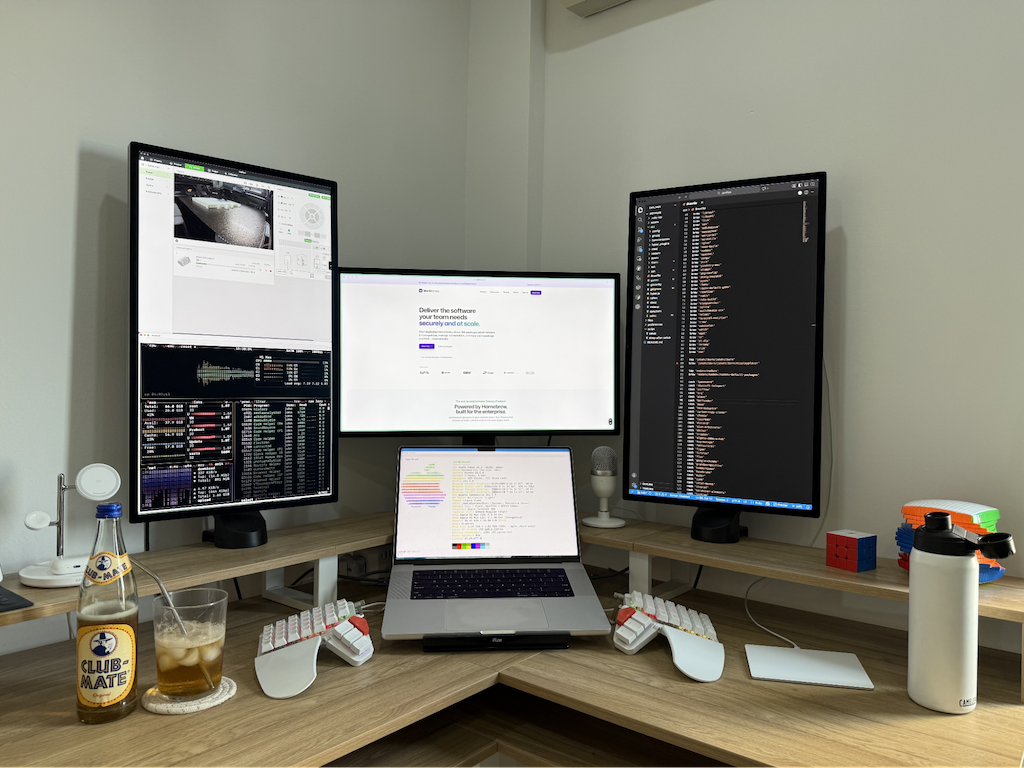
displayplacer helps tame a complex monitor configuration, whether you have lots of monitors, weird aspect ratios, or both.
Code search faster than you can say “Ack”
Danish’s favourite, the_silver_searcher, is a code search tool that started off with a simple goal: being a faster Ack. With its last commit almost being 8 years ago, it’s also a great example that many of us, especially in the open source world, can aspire to: sometimes a piece of software is actually just finished! It just works and is lightning fast, still today. But the best bit: the command itself is ag, the symbol for silver on the Periodic Table.
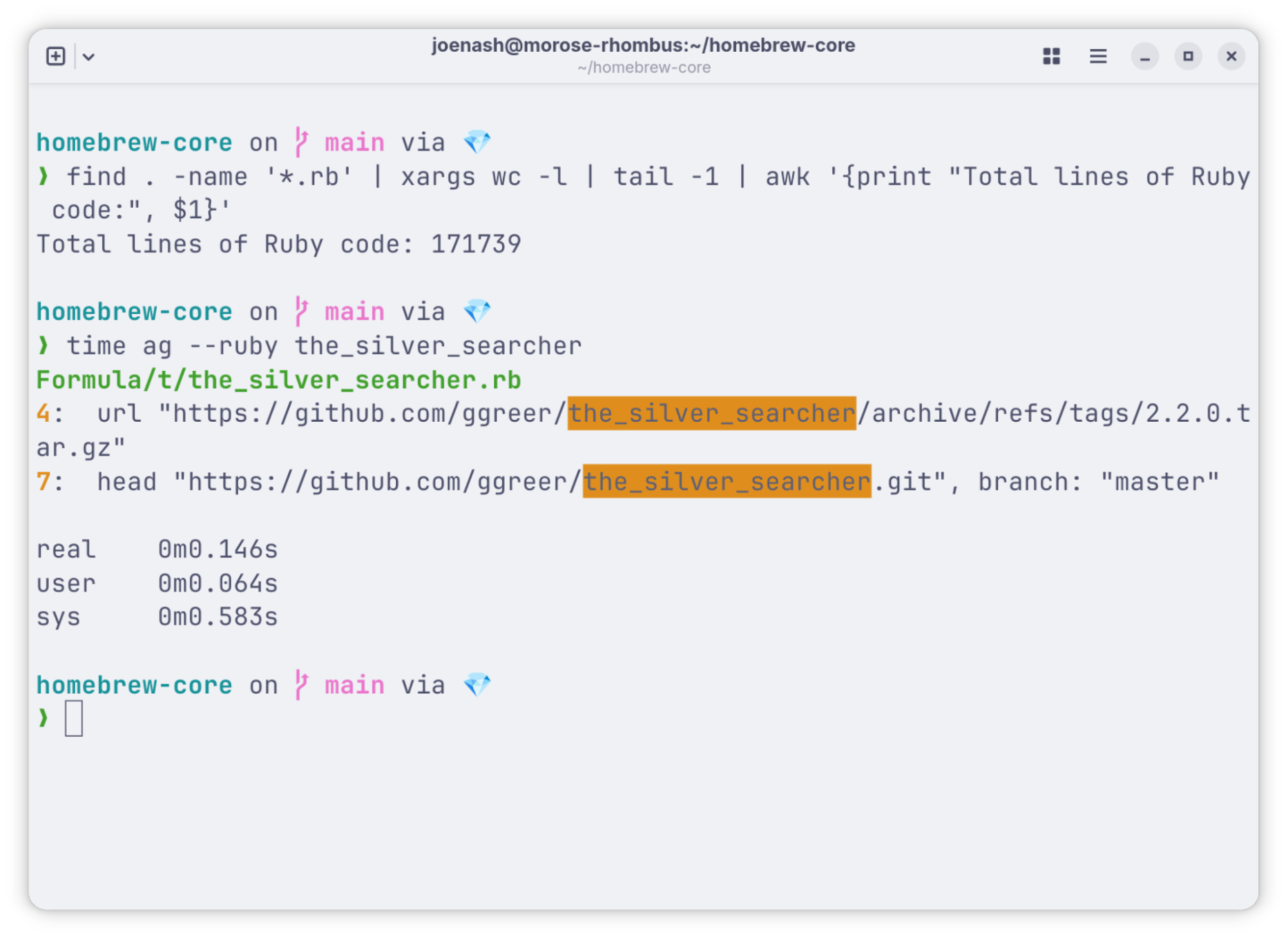
the_silver_searcher - a fraction of a second to find a term amongst the over 170,000 lines of Ruby code in Homebrew-core.
Hardware specs at your fingertips
A must have for the tinkerers’ toolbox, fastfetch gives a fast, elegant way to print all of your system specs quickly, and in one easily shareable screen. Much like the previous listing, fastfetch is inspired by an earlier tool, neofetch. fastfetch is the favourite of Kristján, who uses it to share specs with his friends when discussing hardware, and to get system info faster than clicking through macOS’s native menus.
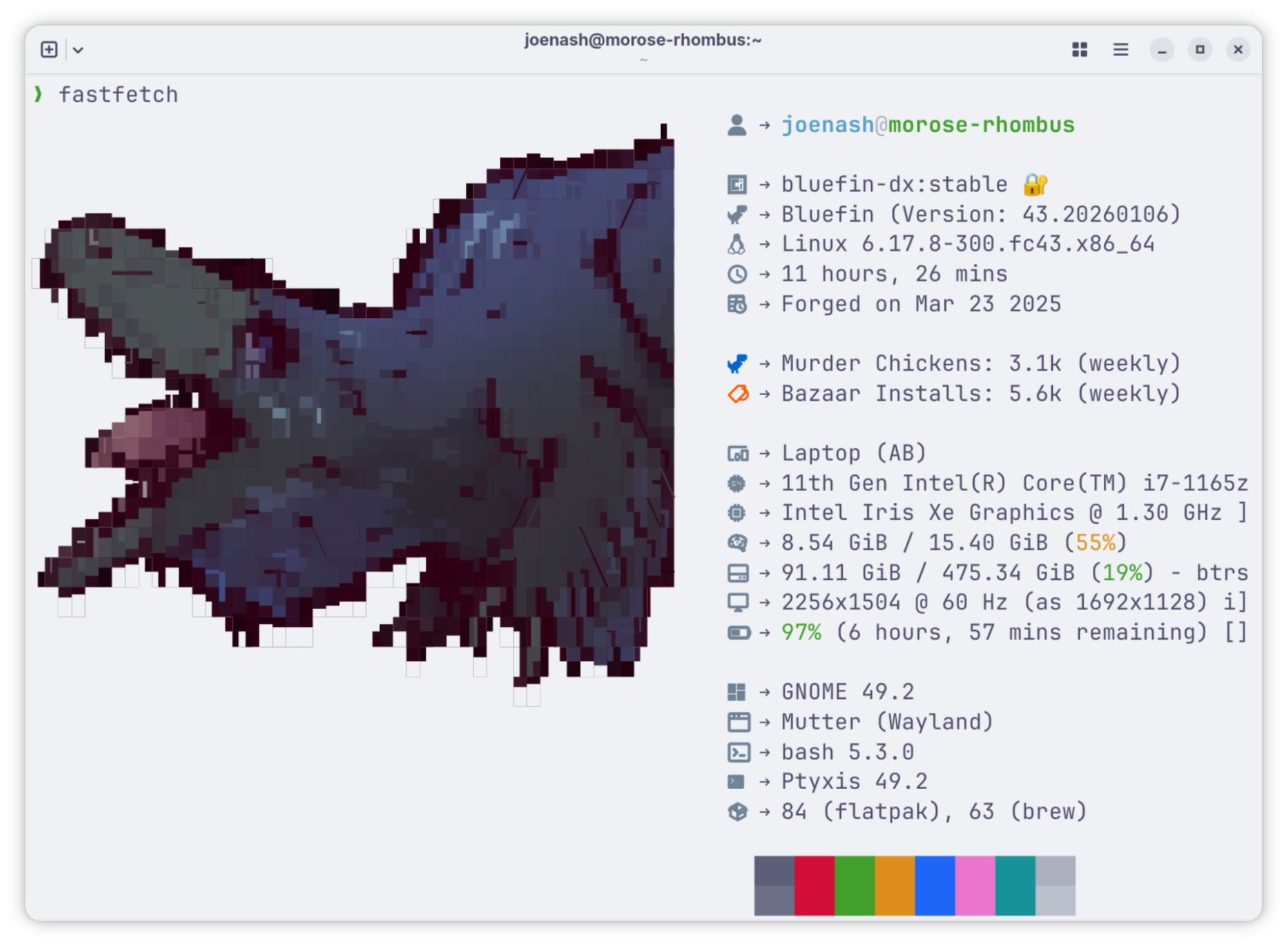
fastfetch is also included out of the box in Bluefin, a Homebrew-loving Linux, ++check out our webinar++.
History always repeats itself, especially if you search for it
Shell history can be invaluable for working through complex, repetitive processes, or finding that magic one-liner that saved your life 3 months ago. Joe’s submission, atuin, replaces the humble .bash_history file with an SQLite database, straps on a search UI, and allows for encrypted syncing of the database between your machines. Joe uses the sync to pick up context easily when moving between machines, and to make it easier to manage a few too many Raspberry Pis. A very handy feature is the ability to set filters on the history that is kept, preventing for example, commands including authorization tokens being saved.
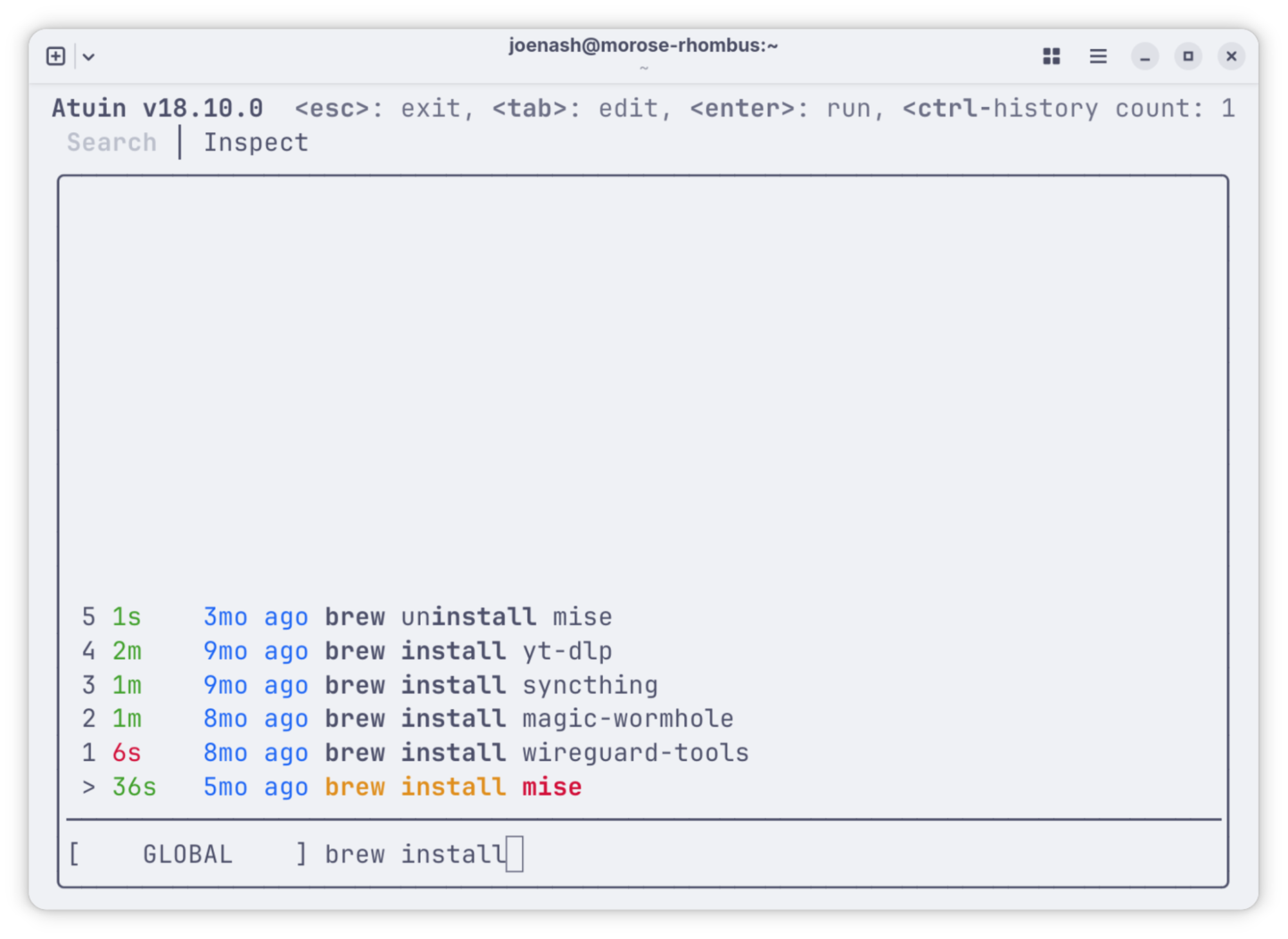
You can take the results of this query as a bonus list of packages to check out. Thanks atuin!
Keep on (b)top of your resources
We’re not sure if Homebrew maintainers are allowed to keep favourites, but Carlo’s is btop, a themable monitor of all your system resources, including CPU, GPU, RAM, disc storage, and network usage. This is a tool that takes terminal UI seriously, with a full-featured, video game inspired menu, and support for both keyboard and mouse to navigate around. If you’ve been scraping by with the default top, btop is a real upgrade, and will look great hanging out on your second display.
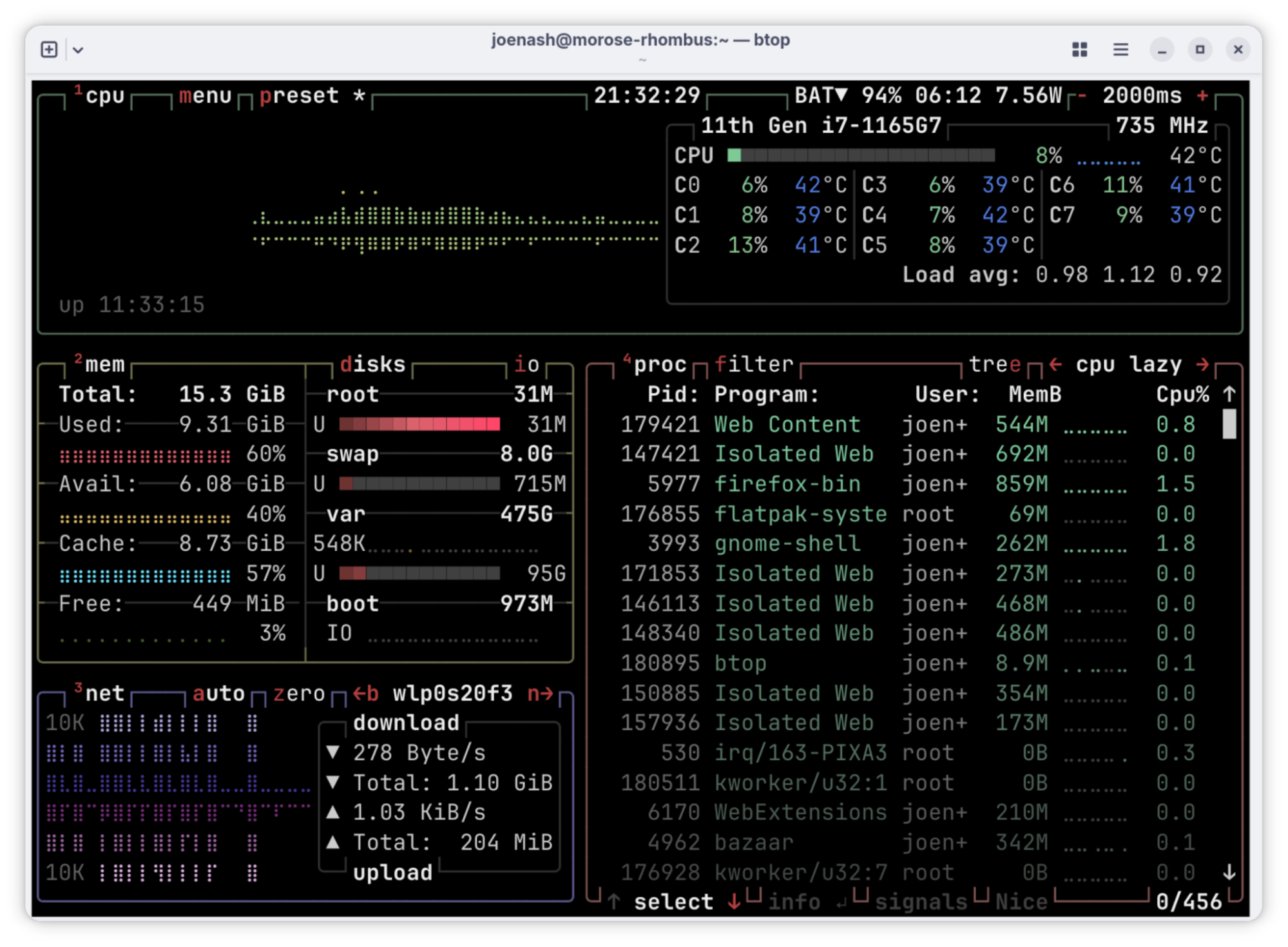
More terminal applications need to use gradients like btop, if you ask us.
Search that will leave you feeling warm and fuzzy
We can’t blame you for thinking Workbrew’ers have trouble finding things at this point in the list. But you’ll be sure to find whatever you’re looking for with Petros’ entry, fzf, an interactive command line fuzzy finder. fzf will devour anything vaguely list-shaped, be that files, processes, or git commits, and let you search it with fuzzy matching. Its interactive interface is themable and lets you search whilst it continues to index, but it can also be used non-interactively, for example as a step to feed results to other commands.
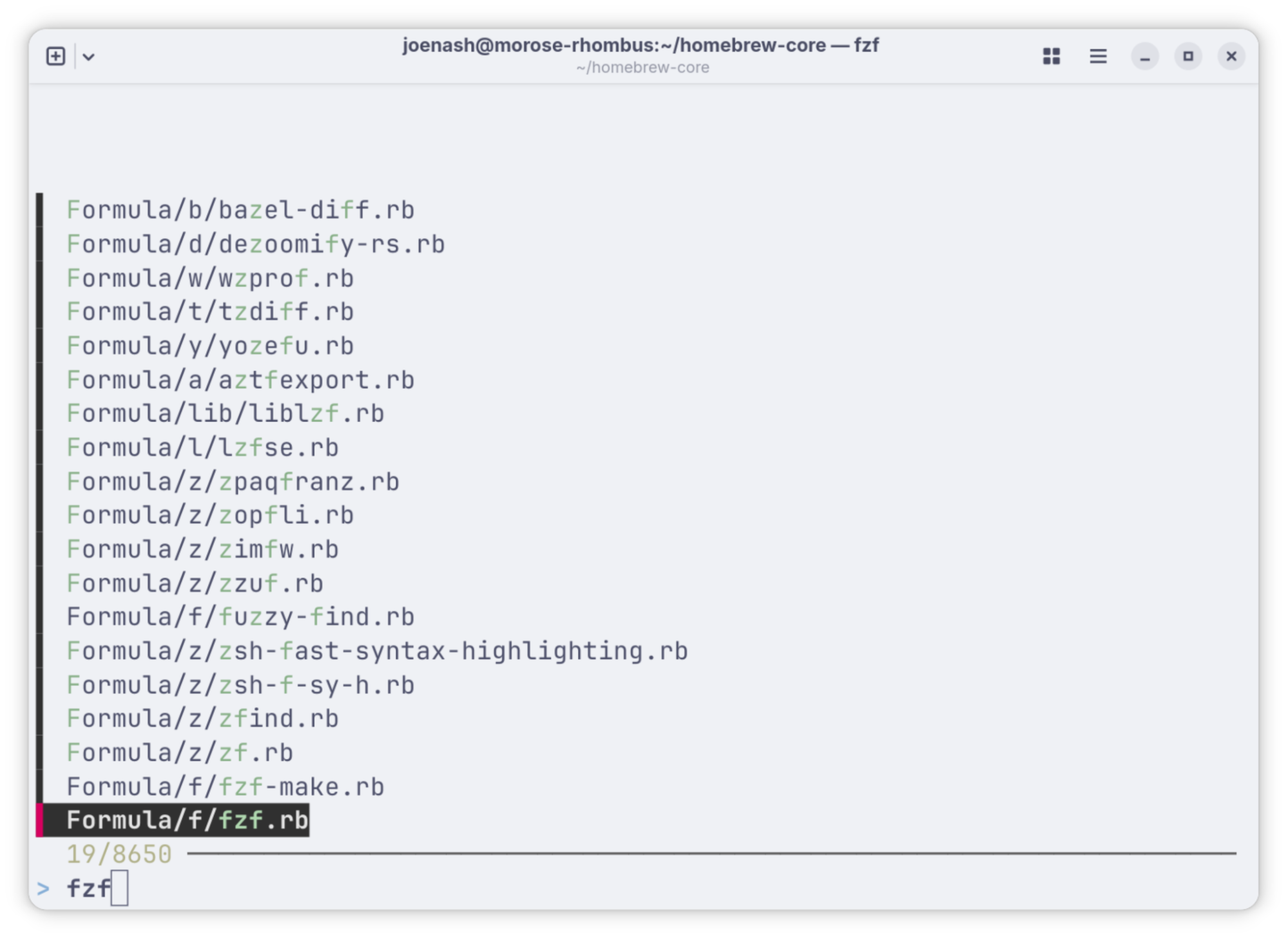
fzf displays results in order of how close a match for your search term they are.
Mix and match Markdown flavors with Apex
Markdown is a great format for structured docs, but its rise has been organic, and not a straight-line. Which syntax and features are available differs between products, and why should you have to choose between having GitHub-flavored tables or Pandoc fenced divs? Have them all, says David, with his suggestion, the Apex unified markdown processor. Once Apex has ingested your multi-flavored Markdown monstrosity, it can output HTML in a variety of formats, making it a great part of a static blog or documentation pipeline. Apex is currently installed from a third-party tap, and not homebrew-core.
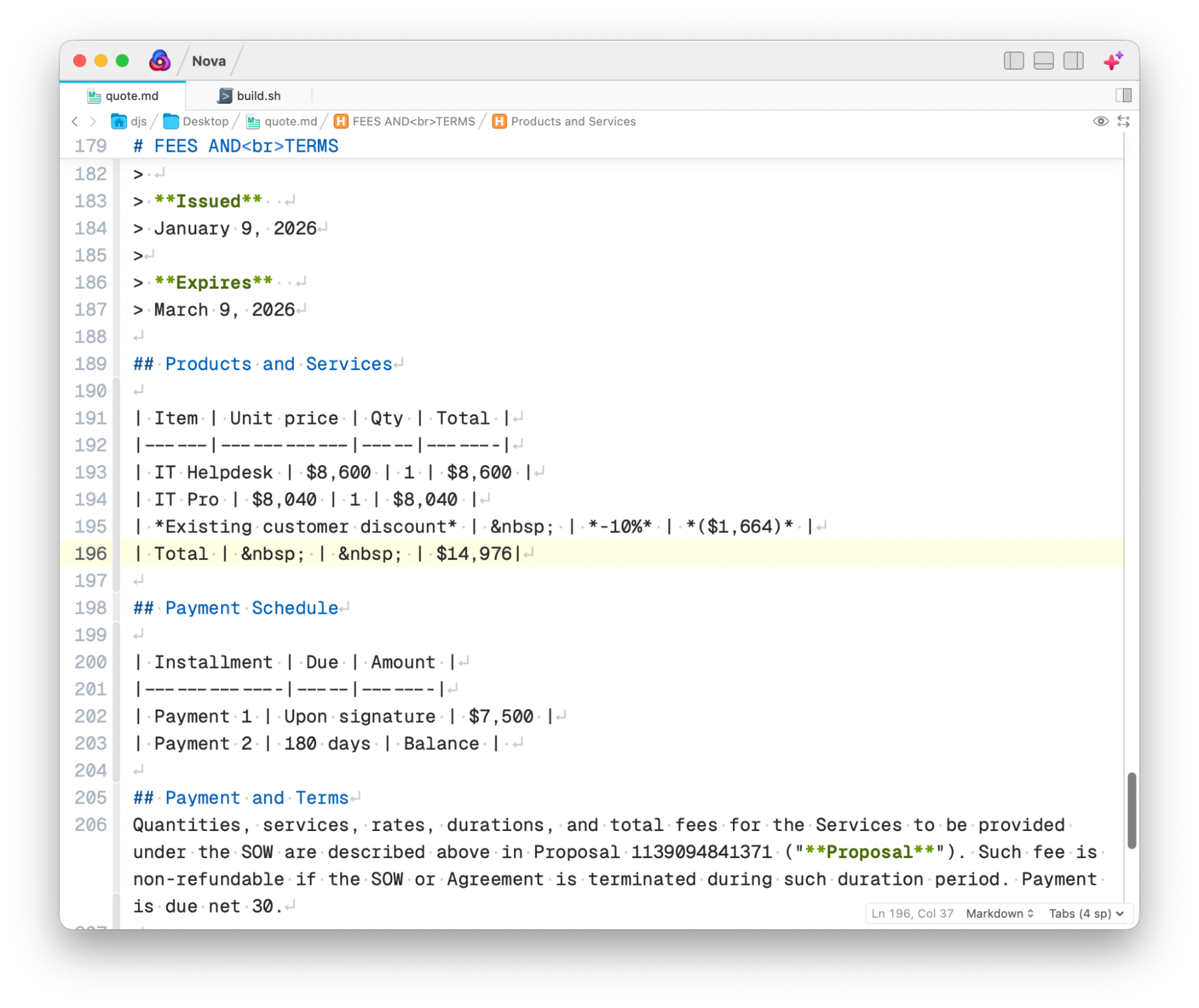
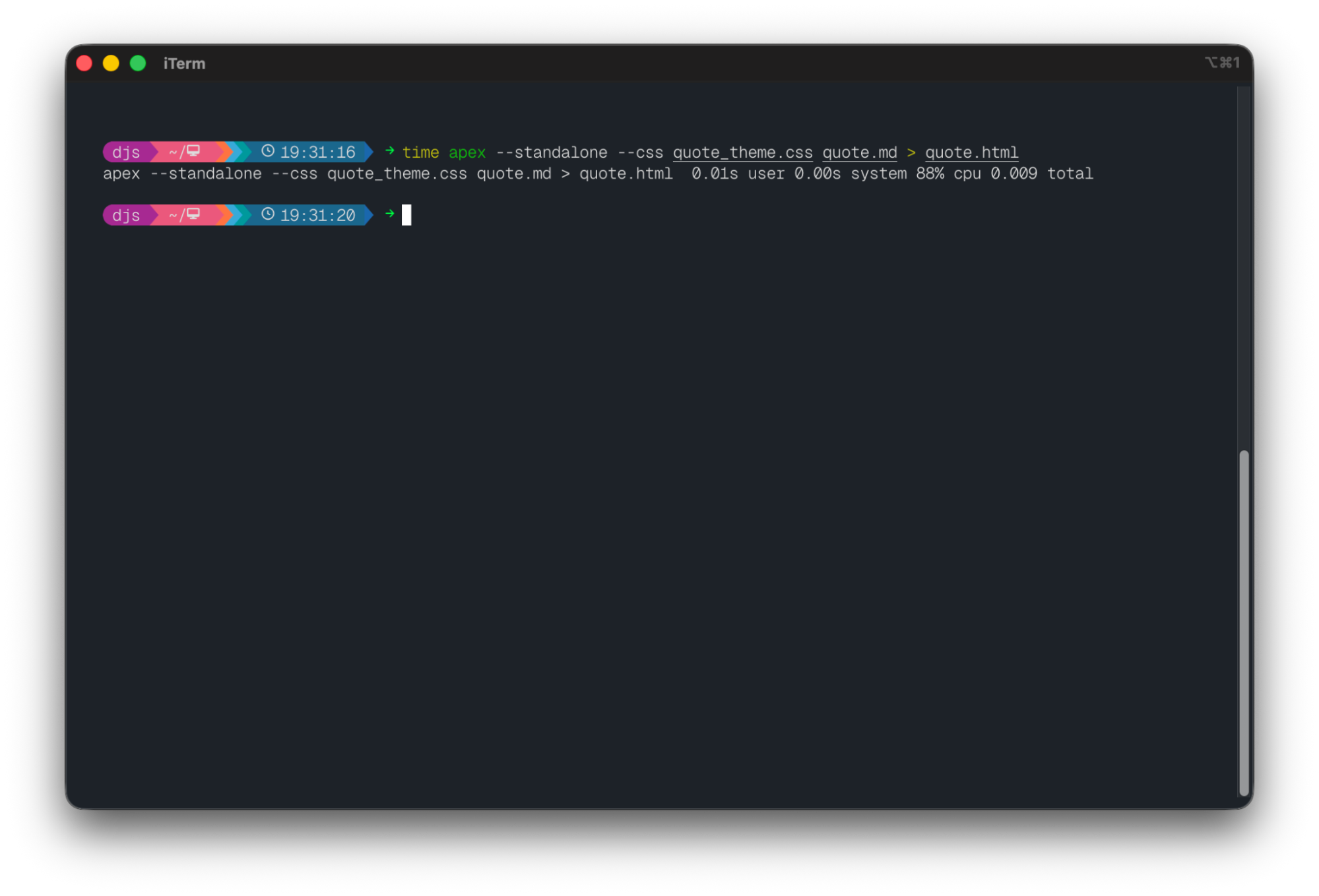
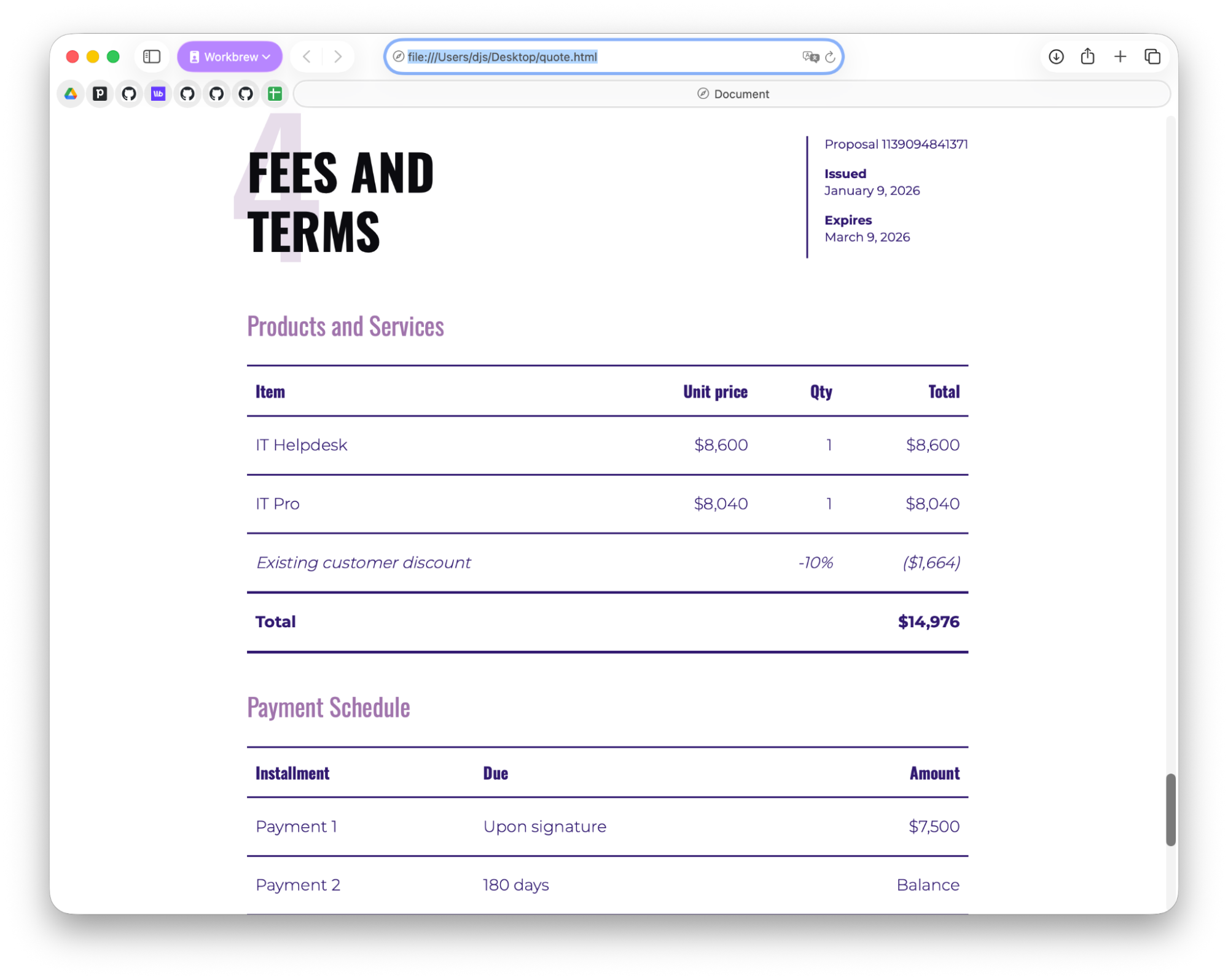
From markdown to print-ready-HTML, David is using Apex to speed up our production of print materials for customer events and trainings.
Git status at a glance
gitstatus puts the status of your git repo right in your terminal prompt. Aside from saving you some keystrokes, Brandon thinks gitstatus is invaluable in large codebases, where the full gitstatus output can become unwieldy. This entry might be familiar to users of the zsh, where it’s included in several popular oh-my-zsh themes. If you’re into zsh, a theme may be a good way to try it out, as like Apex above, gitstatus is distributed via a third-party tap.
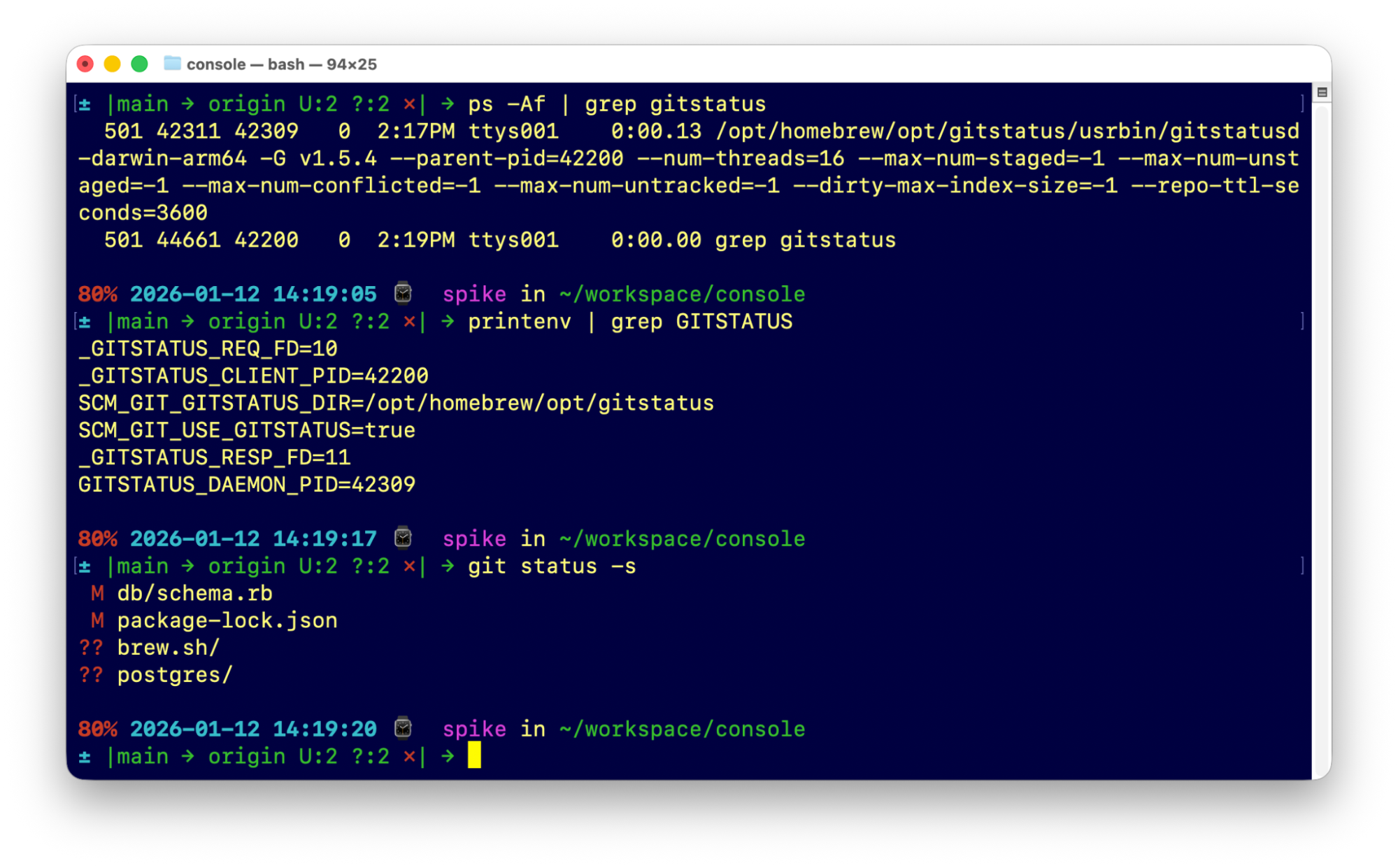
Brandon’s gitstatus prompt shows the current branch, whether it is ahead of or behind the remote, how many changes are staged or unstaged, and how many untracked files exist.
What’s your favourite package?
With over 15,000 packages, Homebrew is an enormous ecosystem, and there’s always something else to discover. We’d love to hear what packages you’re enjoying.
Join us in #workbrew on the MacAdmins community, or let us know on LinkedIn or on your social media platform of choice and tag us.