Brew better together
Joe Nash & Anup Narkhede
Workbrew’s Default Packages let you deliver software to target devices, ready to go on Day 0. Brewfile Syncing adds the ability to collaborate with device users using GitOps, providing a package request and approval workflow, letting you turn security and compliance into developer productivity. In this post we’ll dig into the motivation behind Brewfile Syncing, how it works, and how you can use it in your fleet.
Security with a side of developer productivity
Maintaining a secure and compliant fleet is easier when everyone is bought in. Friction between device users trying to do their jobs, and GRC teams trying to keep the company safe, is unfortunately all too common. Developers want the tools to get the job done, and IT admins need to know that what’s installed on machines doesn’t pose a risk. That tension is what gave birth to Workbrew: we knew that Homebrew was massively popular with macOS devs, but posed a challenge to admins of Mac fleets. Resolving that tension is key to fleet security, but doing so means not only giving admins the tools to monitor and manage Homebrew usage, but also ensuring developers are bought in, that their developer experience is not impacted, and they feel they can be productive.
That’s where Default Packages come in. Default Packages enables admins to specify a set of packages to be installed on a device when added to Workbrew or a device group, specified via Brewfile. Admins can use Default Packages to install necessary software such as password managers and VPN clients, but they’re also great for developer productivity. Developers no longer have to spend Day 0 getting their development environment set up, it’s all ready to go as soon as they open their machines. Whilst Workbrew makes admins' lives easier, this also makes Workbrew a win for developers, contributing to a more open, and collaborative culture around device management.
Packages à la carte
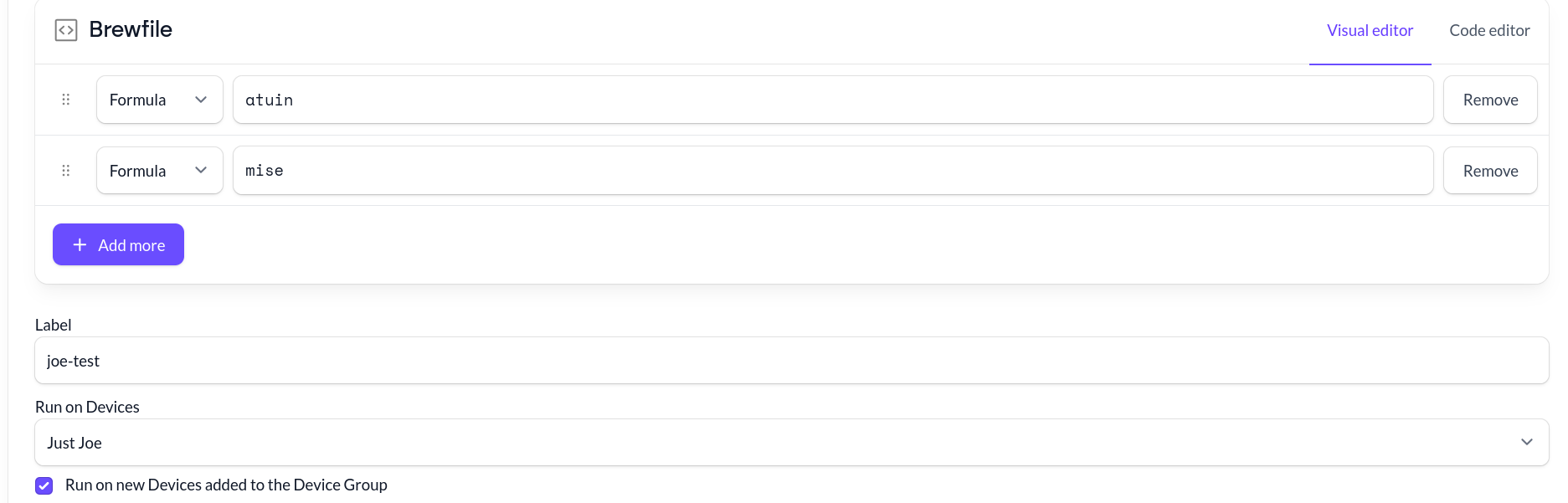
Default Packages are powered by Brewfiles, a declarative file format used by Homebrew to install multiple packages. Developers use them to back up or track their favourite packages so that they can install them on new machines, often automatically as part of dotfiles. Brewfiles can install Homebrew Formulae and Casks, and also packages from other ecosystems, including Go modules, VSCode extensions, and Linux Flatpaks. But most importantly, they are a simple, plain text interface for describing a set of packages. When you set up Default Packages in the Workbrew Console, you create a Brewfile in our interface.
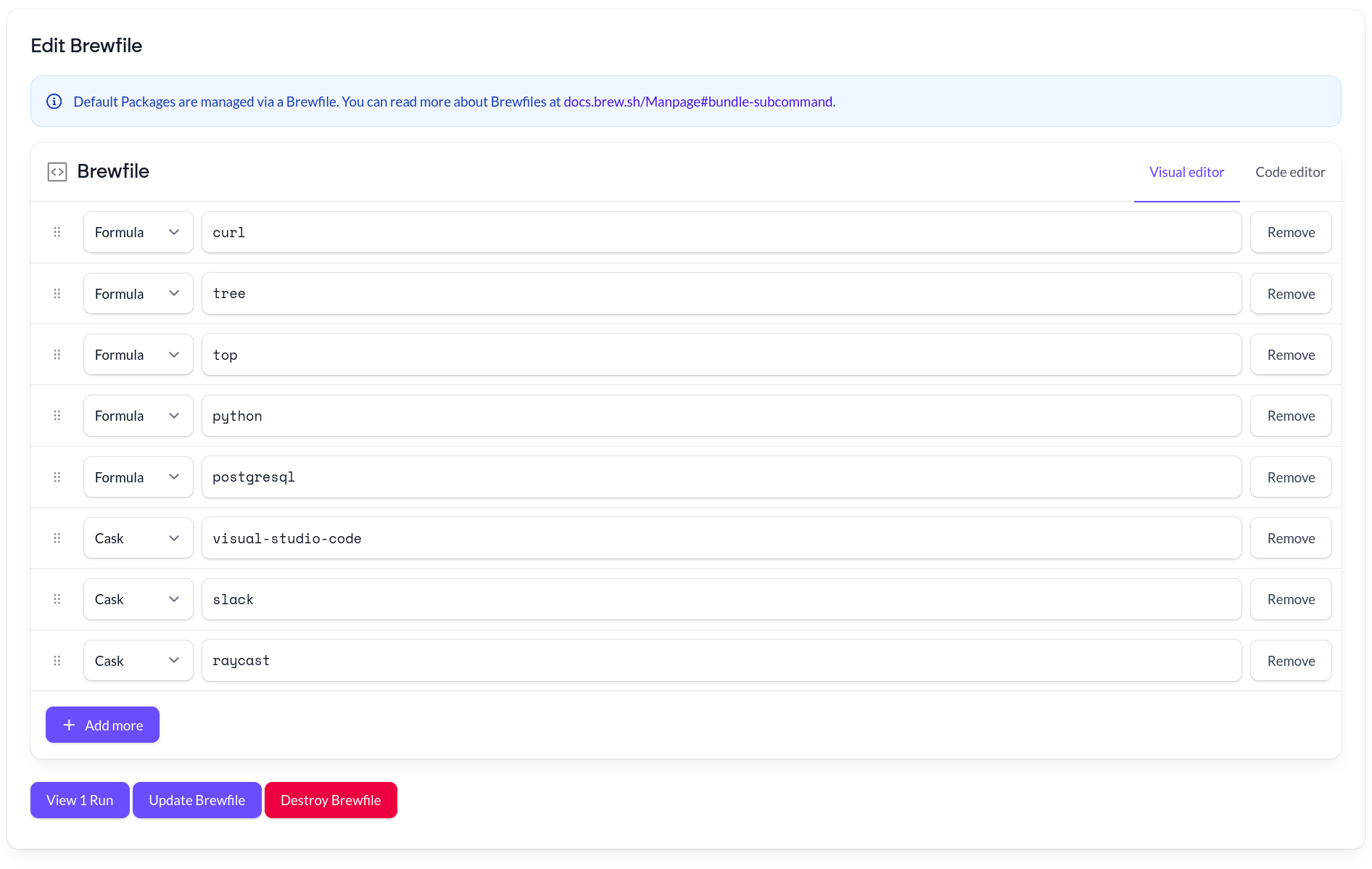
Because Brewfiles are just plain text, with one package per line, they’re perfect for a GitOps workflow. In GitOps, the Git version control system is used to manage infrastructure, with configuration files for services or applications being kept in a Git repository, for example on GitHub. When managed on GitHub, collaborators can work on these files in the same way that developers work on code: pull requests can be used to suggest changes, and reviewers can comment on the proposals, until consensus is reached. GitOps has proved to be very popular for management of cloud resources, but increasingly, these workflows are making their way to other machines. Now, we’re bringing them to your fleet.
Get in Sync
Brewfile Syncing lets you leverage GitOps to manage and collaborate on Default Packages. In contrast to creating Brewfiles directly in the Workbrew Console, hosting Brewfiles in a GitHub repository enables collaborative workflows with device users and non-admins. For example, engineering team leaders can request a new package be added to their team’s machines, through a familiar, scalable process. Managing Brewfiles in this way also increases trust throughout the organization through transparency, as device users can see what software is being delivered to their machines in one place.
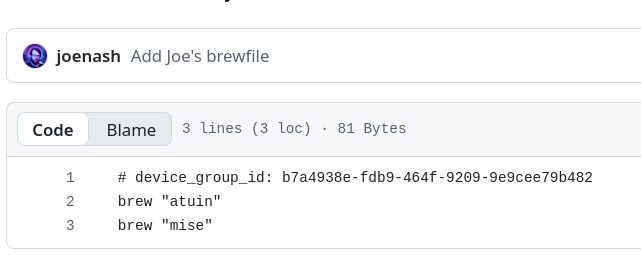
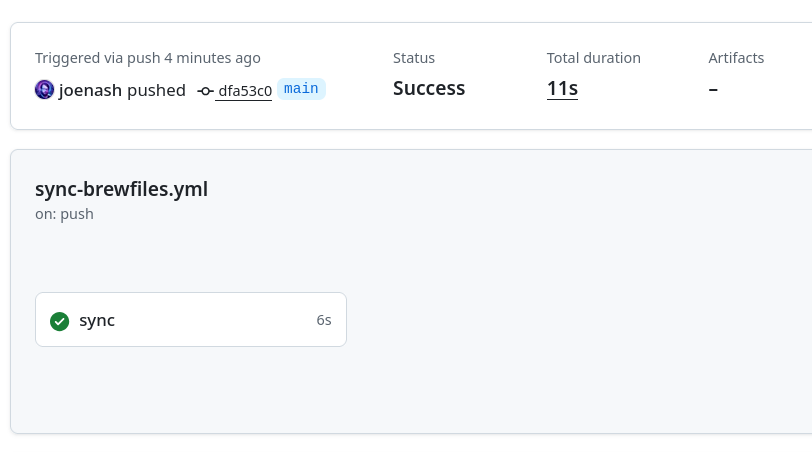
A Brewfile specifying the target Device Group and packages to install is pushed to the GitHub Repository, triggering the GitHub Action to sync the Brewfile to Workbrew.
To get started with Brewfile Syncing, create a GitHub repository with a brewfiles directory, and grab the example workflow for our GitHub Action. Then configure the repository secrets, you will need to set your WORKBREW_WORKSPACE_NAME, and WORKBREW_API_TOKEN, which you can find in your Workbrew settings. Note that for improved security, you may wish to use a dedicated Workbrew user with minimal permissions for this purpose, a so-called “service account”.
The workflow will run every time Brewfiles are pushed, uploading changes to Workbrew via the API. Create or edit Brewfiles via a new branch or fork, so that a pull request can be opened, enabling collaborators to add comments and suggest changes. Once the pull request is merged, the GitHub Action will be run, and the changes will make their way to Workbrew, and then your fleet. The GitHub Action is open source, and built entirely using the same API that Workbrew users already have access to.